I'm looking at this debian package
Before installing it, I'm curious about how much information I can get just by analyzing the debian package.
I would love to know exactly what is going to be installed and where.
is this possible?
I'm looking at this debian package
Before installing it, I'm curious about how much information I can get just by analyzing the debian package.
I would love to know exactly what is going to be installed and where.
is this possible?
If you want this from the commandline, use dpkg-deb:
dpkg-deb --extract some-package.deb /directory/to/unpack

dpkg-deb --control some-package.deb /directory/to/unpack/DEBIAN
This should leave a directory structure similar to what you'd be able to see in gdebi.
Yes this is very possible.
Install Gdebi
sudo apt-get install gdebi
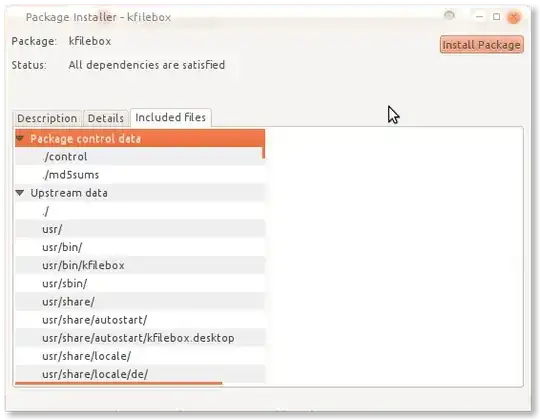
Open Gdebi, then open the Debian package from File > Open.


