1

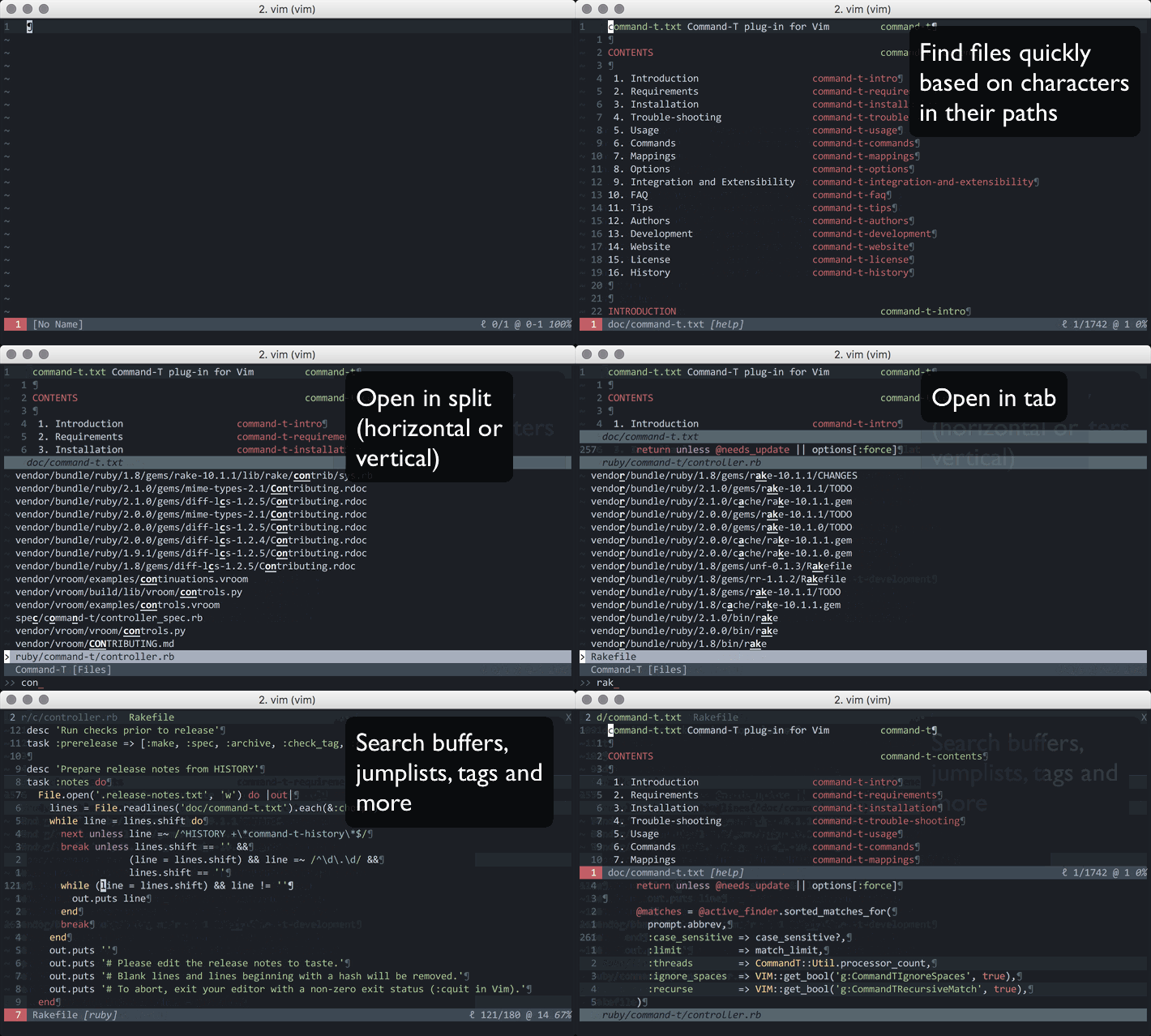
Text editors like vim and emacs have plugins like ace jump, avy, that allow you to press a character, then it'll highlight every instance of that character with a temporary keybind, then you can press the keybind to jump directly to it

I wonder if something like that exists for shells (e.g. bash) to quickly navigate to a specific directory without having to cd through directories? Maybe something that will list directories to a certain depth, wait for an input character, highlight instances of character with a key sequence and cd into it when the sequence is pressed?

If something like that doesn't already exist, how easy would it be create?

phuclv
  • 26,555
  • 15
  • 113
  • 235
Simon
  • 357
  • 6
  • 20

3 Answers3

2

fzf does that. It's a fuzzy completion / file selection helper. Its basic use is for selecting files from a large list (e.g., find . -type f | fzf > selected).

Once you install it and load it in your shell, you can press AltC to open a window in which you can type a fuzzy string to find directories. When you select one and press enter, fzf will cd to that directory.

To autocomplete filenames in the same way, you can press CtrlT. To seach history, press CtrlR.

slhck
  • 223,558
  • 70
  • 607
  • 592
1

Maybe it isn't exactly what you want but I think it worth try WCD. It builds a "database" (a single textfile) which stores the list of directories. The wcd foo command show a list of the directories which contain foo and you can choose one of them.

Another similar option is autojump.

uzsolt
  • 1,245
  • 7
  • 13
0

There are various shells and shell extensions that support partial path autocomplete and fish is one of them

For example cd /v/l/fsck Tab will convert the path to /var/log/fsck/. cd /u/s/appl Tab will expand the path to /usr/share/applications/

Some other alternatives:

See also

phuclv
  • 26,555
  • 15
  • 113
  • 235