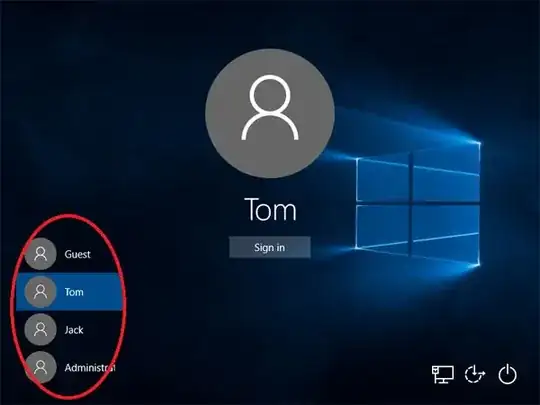
My Windows 10 Home (Version 10.0.19043) laptop has NO password. Do not ask me to add password to this backup laptop. After I Sleep or Hibernate my desktop, when ever I turn it back, I see this screen. Then I must simply click "Sign in", before the laptop proceeds to my Desktop. But how can I remove this aimless "Sign In" screen? How can I command laptop to ALWAYS wake up right at Desktop?
Undoubtedly, forcing me to click "Sign in" on this screen is foolish and pointless! Why bother "Sign in" when I got no password? Why not just proceed directly to Desktop!!??!?