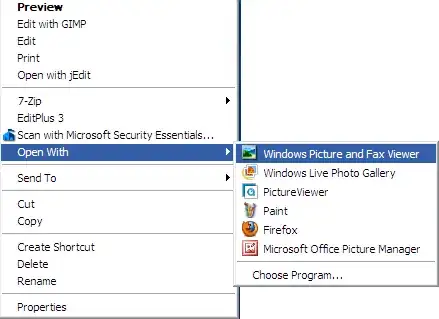
No, this question is valid here since you are asking a question about a software for viewing pictures.
I would go with Windows Photo Viewer. This program already comes with Windows 7 so you don't have to install anything else. You can set it as your default image viewer by following the steps given below:
Right clicking on any image (with a format that you want to be associated with the Windows Photo Viewer and select Properties.
Next, click on the Change button next to the Opens with: label:
In the dialog that opens up, select Windows Photo Viewer and select OK:
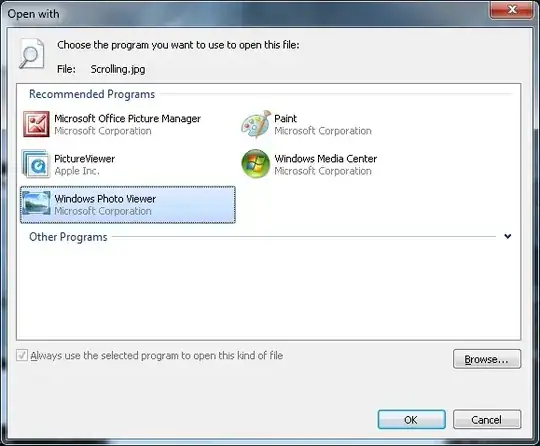
Now, lets say you have associated all .png files to be opened by Windows Photo Viewer. The next time you are showing the client any .png images, just double click on the image and it will be opened within Windows Photo Viewer. Once the image opens you shall see a toolbar at the bottom of the window:

Click on the round button in the center and it shall open the image in full-screen/slideshow mode. If you right click on the image, you can see a few options to select the speed of the slideshow:
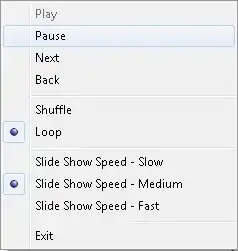
Personally, I would select Pause or just press the Space on your keyboard to pause the slideshow. Now you can navigate through the images using the <- and -> buttons on your keyboard. This way you can take your time showing the images to the client, in a grand full screen fashion.
Hope this helps.