0

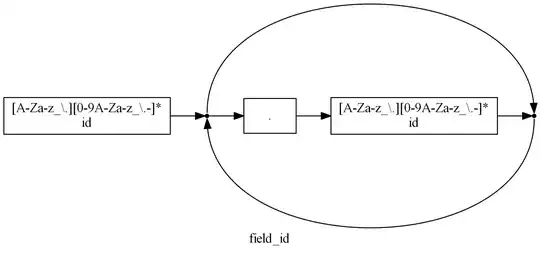
I have generated many graphs (GraphViz .dot, about 35 pcs) from a grammar and then I generated .png files from it. All of them are small graphs with a few (2 to 5) nodes on it. I would like to print them, 9 or 12 per page. The problem is that Windows 7 Print Pictures guesses orientation for every image on the grid individually.

  • How can I force Windows 7 Print Pictures to use the same orientation for all pictures (use the files as-is, just do the fitting)
  • What alternative solution can I use for my task which does not include repetitive manual labor?

(OS: Windows 7 64 bit, regularly updated.)

Thanks in advance!

Update: Illustration

enter image description here

Ingredients

enter image description here

enter image description here

Notinlist
  • 718
  • 3
  • 12
  • 33
  • Could you provide a screenshot of the picture printing page? I assume the images are oriented correctly when viewed individually. When I tested with some sample images, they were all oriented the same way. – Bob Jun 01 '12 at 09:47
  • Added illustration. – Notinlist Jun 01 '12 at 12:40
  • Oh. So your problem is that it automatically rotates the picture based on what it thinks is portrait/landscape.. hmm.. similar to [this question](http://superuser.com/questions/385278/windows-7-print-option-wizard-rotate-some-photos-from-portrait-to-landscape-how), but dealing with multiple pages. – Bob Jun 01 '12 at 12:54
  • There's a [related forum post](http://www.realgeek.com/forums/the-photo-printing-wizard-is-rotating-photos-i-dont-want-rotated-186335.html), but no solution is indicated. So now we're probably looking for an alternative application that does multiple-pictures-per-page-with-shrink printing. – Bob Jun 01 '12 at 12:56
  • There's probably a better way, but through the use of 2 (and a half) command line tools, you can convert to a multipage PDF. And Adobe Reader's printing options are quite nice for this. – Bob Jun 01 '12 at 13:15

0 Answers0