4

I am on a page and I need to open a link. Right now, I have to press ctrl and then click the link then it opens in a new tab. I don't want to do this.

What I want is that whenever I click any link it should always open in a new tab. Is this possible with Firefox or Chrome or any other browser?

IcyFlame
  • 153
  • 8
  • This question may be of particular benefit for users of the [_Vimium_](https://vimium.github.io) browser extension (or equivalent). – Benjamin R Jan 17 '19 at 15:45

2 Answers2

1

There is no setting in Chrome for this that I know of, however...

You could use a chrome extension: https://chrome.google.com/webstore/detail/open-new-blank-in-new-bac/bblhflcbilbefagmeoanbdiofmmnehda

Or just middle click links (by clicking with your scrollwheel) instead of ctrl+click (works in Firefox too).

This answer might be helpful for Firefox.

Web_Designer
  • 266
  • 1
  • 3
  • 19
1

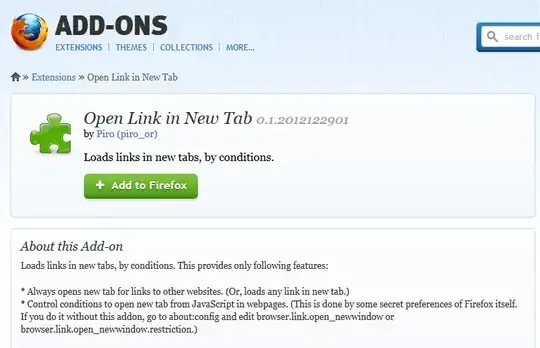
You can add that functionality to Firefox with this add on: Open Link In New Tab.

enter image description here

Personally I have got into the habit of right-clicking on links and choosing "Open Link in New Tab" from there.

Right click!

enter image description here

Austin ''Danger'' Powers
  • 6,262
  • 15
  • 44
  • 64