I am attempting to create a kiosk using Windows 8, but the menu that pop ups on the right side when one slides one's fingers in that area is an issue.
Asked
Active
Viewed 726 times

2 Answers
2
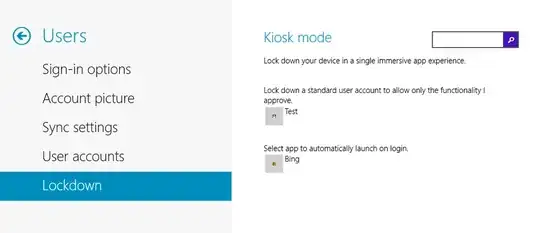
Wait for Windows 8.1 to get the official kiosk mode:


magicandre1981
- 97,301
- 30
- 179
- 245
-
1This is probably the best solution, however the asker may not have time to wait. – Jun 10 '13 at 18:44
-
1
That's called the "Charms Bar", and the menu that appears with white icons whenever you hover over it is called the hint. I found this guide which explains disabling that "feature".
Just remember that if there is access to the keyboard or on-screen keyboard the charms bar can still be accessed with SUPER+C.
-
-
I followed the guide. It removed the bar for the mouse but not for touch. – John Jun 10 '13 at 18:30
-
After some searching, I found that [this](http://winaero.com/comment.php?comment.news.103) program will disable the charm bar for touch screens. – Jun 10 '13 at 18:35