1

There is a small window that opened up on my desktop. It opened along with Windows when booting up.
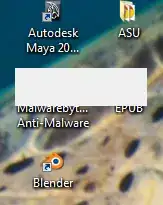
screencap1

Task manager does not show it as an open window:
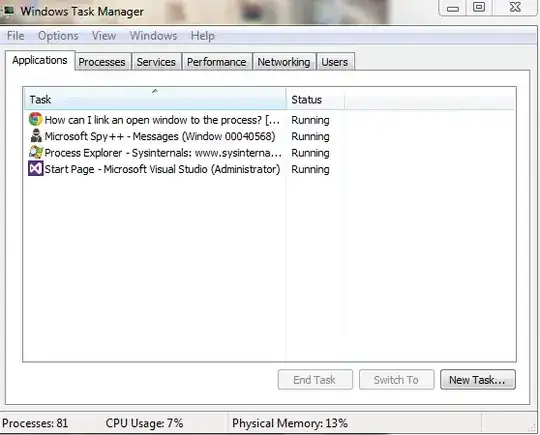
screencap2

Alt + Tab can switch focus to the window, but it does not have a title bar.
Windows + Tab does not see the window at all.

Visual Studio's Spy++ gives this information on it:
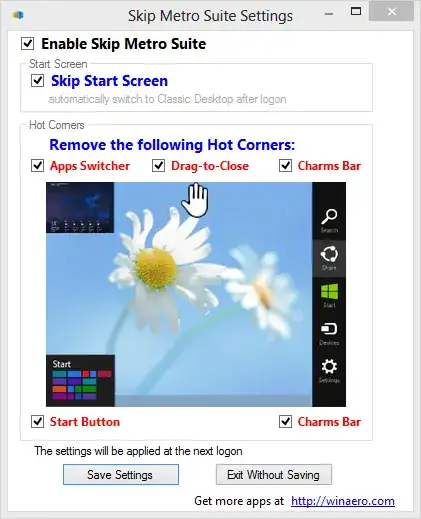
screencap3

And finally, Process Explorer cannot find that handle given by Spy++.

How can I find out what process this window belongs to so that I can further investigate what it is?

nc4pk
  • 9,037
  • 14
  • 59
  • 71
Ash
  • 13
  • 2
  • I might be naive here but... where's the window? Is it the white rectangle over the malwarebytes and EPUB? – Doktoro Reichard Sep 15 '13 at 17:06
  • At any rate, if you can get focus, can you press Alt + F4, while analyzing the Processes tab? Maybe that will tell you what process it is. – Doktoro Reichard Sep 15 '13 at 17:08
  • Yes, it is the white rectangle in that picture. I agree with your idea of using Alt+F4 to close it while analyzing process explorer. Although I would like to explore further ideas before closing it just to make sure. – Ash Sep 15 '13 at 18:05
  • are you worried it's some kind of virus or malware? I'd just close and not obsess over it too much, unless it happens every time. – Outdated Computer Tech Sep 15 '13 at 18:09
  • How about going through your startup list and disabling startup items you suspect? Or just try the 'Diagnostic startup' in `msconfig` to rule out the possibility that it's something wrong internally in Windows. – ADTC Sep 15 '13 at 19:06

1 Answers1

3

You can use process explorer to do this...

http://technet.microsoft.com/en-us/sysinternals/bb896653.aspx

Process explorer has its own drag icon. If not, daphne definitely does... http://www.drk.com.ar/daphne.php

Clint Priest
  • 204
  • 1
  • 5