This is driving me nuts, I can't find it.
I specifically mean these shapes:
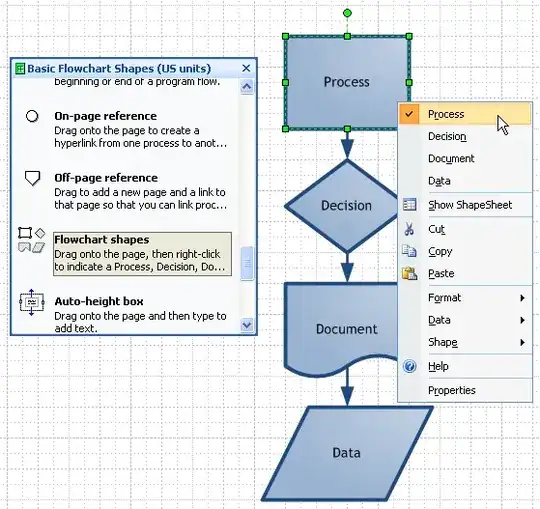
Is there a shortcut key to it?
This is driving me nuts, I can't find it.
I specifically mean these shapes:
Is there a shortcut key to it?
On the Home Tab in the Tools Group there is a drop down (top right of the group here) which contains the basic rectangle, ellipse and line tools.
The help includes the following keyboard shortcuts:
Select the Rectangle Tool: CTRL+8
Select the Ellipse Tool: CTRL+9
Select the Line Tool: CTRL+6
Select the Arc Tool: CTRL+7
Select the Freeform Tool: CTRL+5
Select the Pencil Tool: CTRL+4
But I cannot see freeform drawing or arc in the ribbon (perhaps time for some product feedback).


