8

I installed Ubuntu 12.10 and have set it to auto login, and have set up permissions to allow remote connections via VNC (using the default 'Desktop Sharing' application offered by Ubuntu).

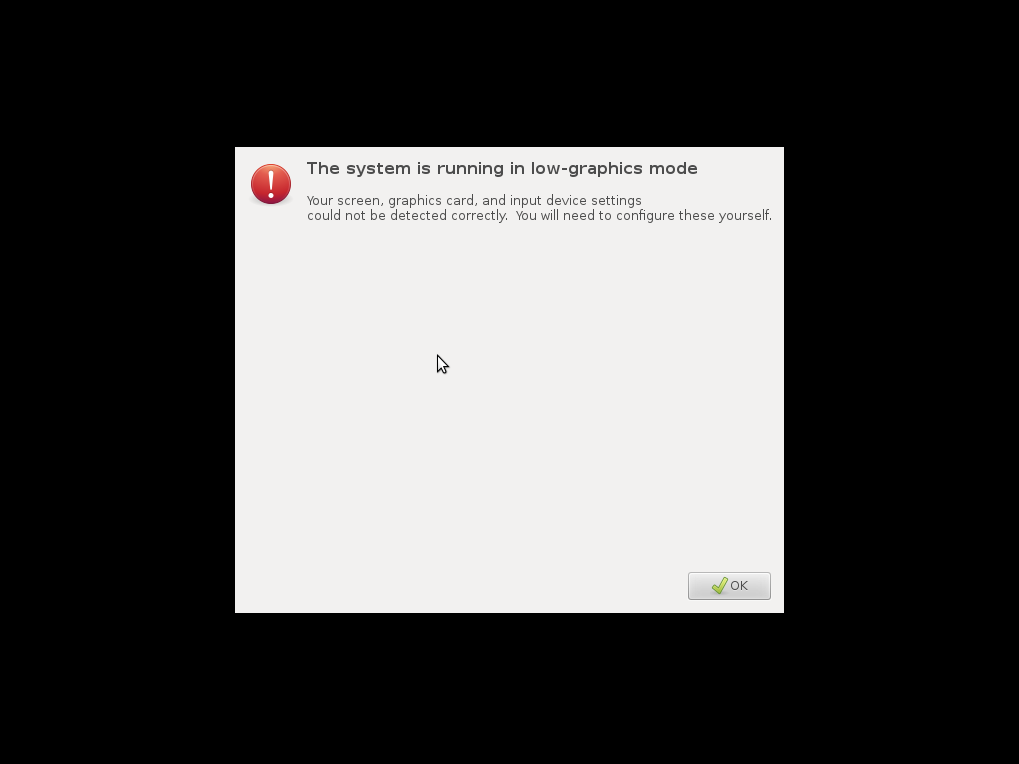
Everything works fine, however if I disconnect the monitor and reboot the machine it won't boot and login like it would otherwise. The following screen appears: https://bugs.launchpad.net/lightdm/+bug/971891/+attachment/2991904/+files/bad-greeter.png

I would like to know how to bypass this so that it would boot as if the monitor was plugged in so that I don't have to have a monitor attached at all times.

Seth
  • 57,282
  • 43
  • 144
  • 200
amkread
  • 81
  • 2
  • This is a nvidia issue, basically without a monitor attached the boot defaults back to crap resolution. Can mod the graphic card output to fool it into thinking a monitor is attached. I can't remember what or where I saw how to do this though. Or try [headless driver](http://blog.mediafederation.com/andy-hawkins/ubuntu-headless-vnc-vesa-800x600-fix/#solution) – SingedWings Dec 20 '12 at 21:19
  • possible duplicate of [Ubuntu 14.04 - Add Fake Display when No Monitor is Plugged In](http://askubuntu.com/questions/453109/ubuntu-14-04-add-fake-display-when-no-monitor-is-plugged-in) – user.dz May 08 '14 at 18:33

1 Answers1

1

You have a couple of options here, in term of a headless remote connection you will always run into issues due to lack of monitors. Things like vnc are not good for this.

You are much better to use something like xdmcp if you want a full remote desktop. If however you simply need to run the odd application then X11 port forwarding via ssh is a easier solution. see forwarding gui programs

strings
  • 1,366
  • 8
  • 13