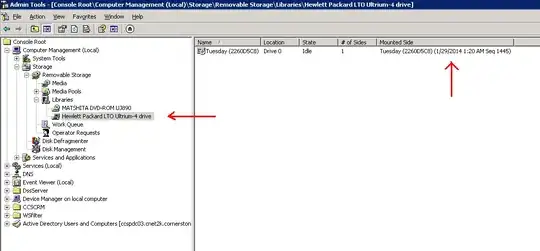
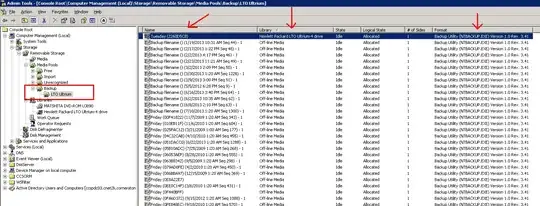
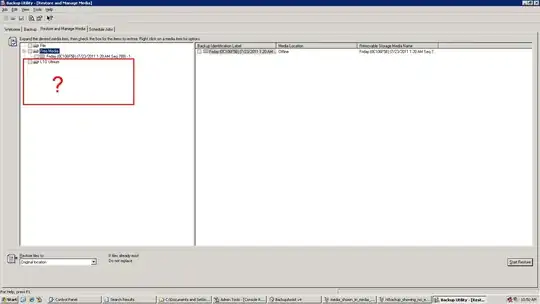
After many useless hours with MS support I have finally figured out how to remedy the issue on my own. I'd like to log the result here for anyone else that may have this issue. The root cause seems to have been a corrupt Removable Storage Service database. In short, by forcing the re-creation of the database, NTBackup will allow me to re-catalog individual tapes if needed. Here are the details:
I followed the instructions in this article to force the RSM service to recreate its database files. http://support.microsoft.com/kb/235032. You can see here that my RSM database is new. 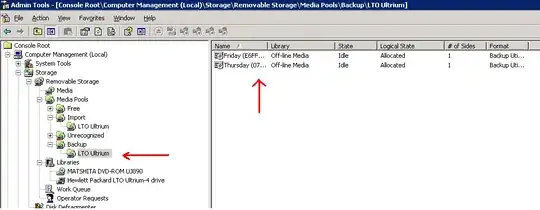
I then loaded the tape i wanted to restore from into the drive. I verified the tape drive saw it and that the media pool "import" had it listed. Then I launched NTBackup to look for the tape item. Once I located it I issued the command to allocate the tape to the backup pool. I was taking a chance here that it would not wipe my tape. It did not. 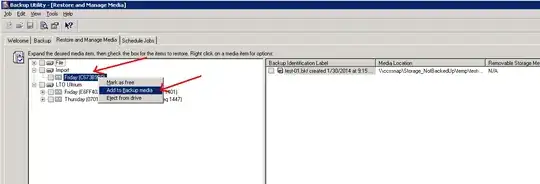
Now that my tape was allocated I was able to execute the catalog command and then was able to select the files I wished to restore. 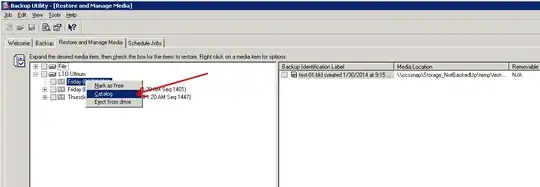
The restore was completed without error after that. I hope this helps someone in the future.
D.