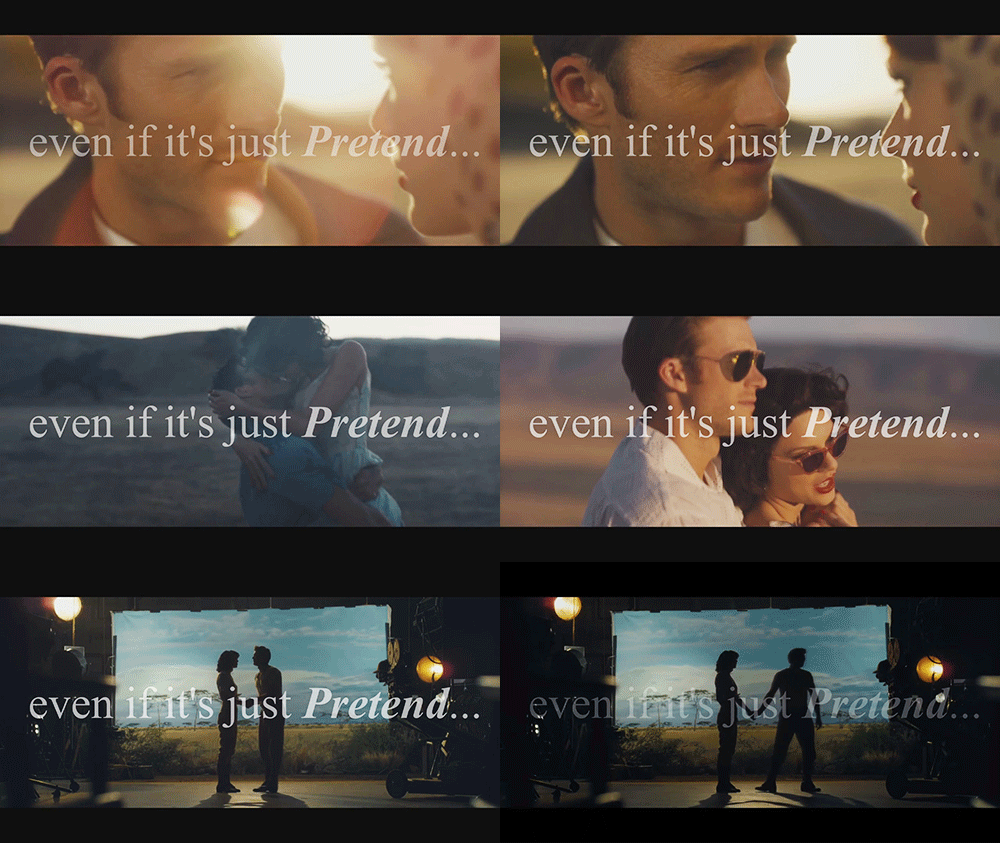
-1

I'm having a weird problem and I couldn't find any help... I'm trying to make gifs by using Photoshop and posting it on Tumblr... I set its loop to forever but it waits too long to loop again...

I watched a lot of videos about how to make a gif but nobody is doing a different thing than others... They just make the loop setting to 'Forever' ant it's done for them but when I do it mine just waits too much to loop...

The image is here: http://45.media.tumblr.com/c13bbad83e05edf3a47681f8f627407d/tumblr_o1gj5ntXDs1v64v4mo1_500.gif

ArtOfCode
  • 3,451
  • 4
  • 15
  • 19
chris505
  • 11
  • 1
  • 2
    You can [set manual timing on Photoshop](https://helpx.adobe.com/photoshop/using/creating-frame-animations.html), including the duration. I think you have to remove/reduce the last frame's duration. (I don't have working Photoshop anymore, so I can't test) – Andrew T. Jan 24 '16 at 13:18

1 Answers1

0

in Photoshop under Timeline window, click on the last frame (number 20 in you case) and you'll find a downward arrow under the frame thumbnail with a number next to it. yours is set to 5 seconds. click on it and change it to the value you desire or just chose "No delay"

Maher Fattouh
  • 729
  • 4
  • 12