1

Recently I have moved an AutoHotKey script and an AntiMicro profile to a Dropbox folder to avoid suddenly losing them if something happens. Since then new problems arise:

  • The AutoHotKey script cannot be read by Task Scheduler in every log on. It can't be simply put a shortcut in shell:startup because Windows doesn't provide highest privilege for it.
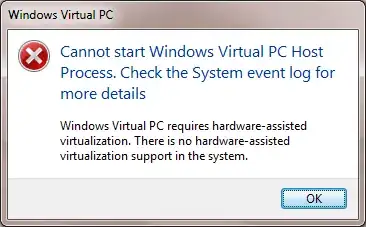
  • AntiMicro occasionally stops working and need me to manually refresh it.

Right-clicking the files does not show this message:

image description

I know that I can simply write an auto backup script and place them in a local folder, but why does this not work?

Keltari
  • 71,875
  • 26
  • 179
  • 229
Ooker
  • 1,919
  • 2
  • 22
  • 46
  • 1
    Downloaded files can have some extended file attributes set that denote them specifically as downloaded files. As such Windows can refuse to run them unless you clear those attributes first. I can't remember what they are specifically, will try to look later. – Mokubai Aug 17 '17 at 15:17
  • If you right-click the file and go to properties, do you see the following at the bottom? https://i.stack.imgur.com/hmkDN.png – Mokubai Aug 17 '17 at 16:16
  • @Mokubai no it's not – Ooker Aug 17 '17 at 17:04

0 Answers0