6

I am trying to run the Chromium Browser app I installed from github many years ago, which use to run fine on my prior MacOS version but does not work on Catalina.

However, when I do run it I continuously get the following MacOS exception:

"Chromium" will damage your computer. You should move it to the Trash

Then it gives me 2 options:

1) Move to Trash
2) Cancel

How do I disable this feature that is built into MacOS (10.15.2 (19C57)).

Even if I right-click on Chromium app file and then select Open I get the exact same Error/Exception.

Catalina won't even give me an option to override the security feature so I can run the application.

I don't care for this MacOS security feature. I want to disable it so I run programs that I install myself.

Note this app is NOT Malware.

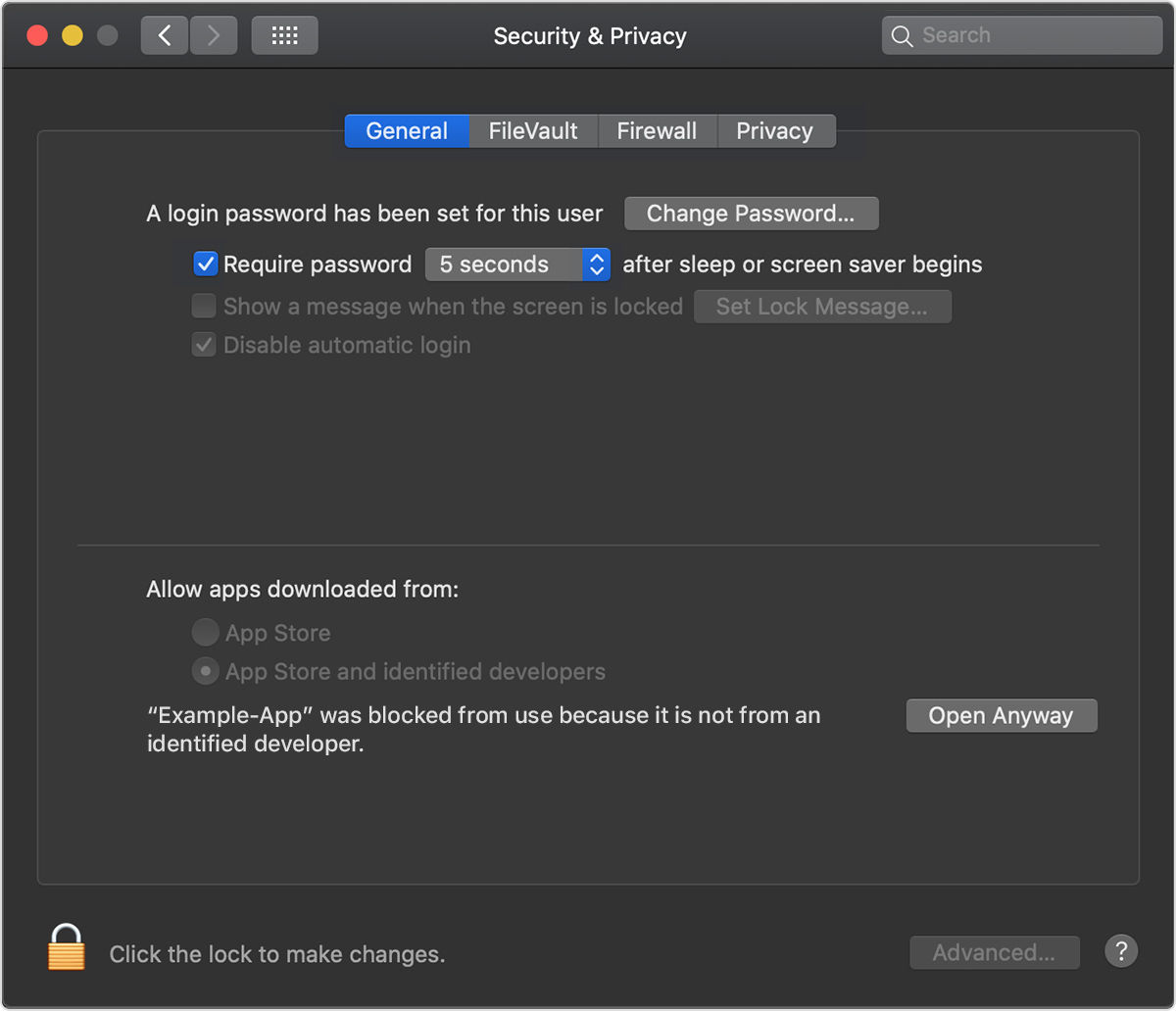
Also, in the Security & Privacy Tab there isn't an option to Open Anyway which is described on Apple's support website here Open Anyway

I've added screenshots for your reference.

Security & Privacy - General Tab Chromium

codingknob
  • 133
  • 1
  • 6
  • why not just run the modern equivalent? https://www.chromium.org/getting-involved/download-chromium – Tetsujin Jan 24 '20 at 19:51
  • Could it be that your ancient version of Chromium was signed but got corrupted or the signing cert expired? If the system encounters signed code that fails signature verification, it's indistinguishable from an exploit attempt (impostor, trojan, or a virus-infected binary). From a security policy point of view, an expired cert must be treated the same as any other untrustworthy cert. – Spiff Jan 24 '20 at 21:20
  • You say this app is not malware, and I'm willing to believe that it wasn't malware when you installed it from Github many years ago, but have you validated its checksum or code signing recently? How are you sure that it has not become infected by a virus? – Spiff Jan 24 '20 at 21:23
  • I think the "Open anyway" option only appears if the application appears to be OK, it's just not signed. – Barmar Jan 31 '20 at 17:19
  • Any luck with this? – Andrei F Feb 07 '20 at 13:49

1 Answers1

5

You can open it in Finder per this article.

Right-click and choose 'open'. Then confirm in the dialog. After that, you can open it in Terminal.

For Chromium, you might consider using Canary.

Ion Freeman
  • 151
  • 1
  • 3