0

I have some Word to PDF export issues related to .emf images, with this discussion directly relating to my problem and appears to be the deepest post about this topic.

I have a similar issue with my phD document in Win10 v2004 using Office 365 and Acrobat DC:

  • I use OriginLab objects inserted in a PowerPoint doc that I export as .emf files; Save as PDF and Print file as PDF [Adobe and PrimoPDF] works properly for images, however several issues prevent me from using this method, such as not updating page numbers classified with Word sections (it's a mess), crossed-references, etc.
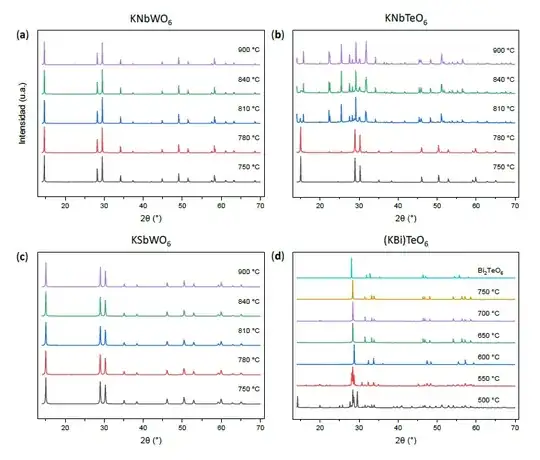
    Save As .emf
  • The only way to get a high fidelity PDF is to use the built-in module to export the document as PDF, however .emf images receive a serious quality loss, coupled with disappearing text boxes since they are usually objects and text boxes grouped in a single .emf image
    Built-in *.emf
  • .wmf file export from PPT does not work, as objects are not shown, replaced with a blank square with text, so I cannot replace an .emf with a .wmf. The same occurs when trying to convert .emf to .wmf through Inkscape.
    Inkscape *.wmf

Any ideas?

  • Opening one by one in Origin and exporting as .wmf is not preferable as there are too many figures
JW0914
  • 7,052
  • 7
  • 27
  • 48
  • Word in Microsoft Office 365 should be able to [work with .svg files](https://support.microsoft.com/en-us/office/edit-svg-images-in-microsoft-office-365-69f29d39-194a-4072-8c35-dbe5e7ea528c), if that is an option. (Moments later... I just tried it, and it worked for me.) – Andrew Morton Sep 16 '20 at 12:06
  • @AndrewMorton, thanks but that did not solve the issue. Another problem arises, similar to the .emf quality loss. Sorry that I don't know how to upload a picture in a comment, but essentially it becomes a pixelated image. – Sergio M. Sep 16 '20 at 16:35
  • * Need to say that now the problem is with PPT, as it exports a bad quality .svg file... If I find how to improve it, this may be solved! – Sergio M. Sep 16 '20 at 16:41
  • Sadly, no program (PPT, Inkscape, Imagemagick Display) nor converting website can successfully transform my `.emf` files into `.svg` images :( No clue about `.svg` files and why PowerPoint can't export them properly... – Sergio M. Sep 16 '20 at 17:23
  • @SergioM. It looks to me that if you export as .ai (Adobe Illustrator) files from OriginLab, you should be able to open those in Inkscape and then save to .svg ([How to convert an .ai file to a .svg file?](https://graphicdesign.stackexchange.com/q/116555/129448)). – Andrew Morton Sep 16 '20 at 21:05
  • @AndrewMorton I'm sorry to tell that even grouping `.wmf` images in PPT fails to export as `.wmf` files, as figures turn into blank rectangles. I believe that this issue is Office related, since `.svg` files exporting damages the quality (it becomes as rasterized) and `.emf` figures fail to export properly in a built-in application. PS: `.ai` does not appear to be a integrated extension for image exporting in OriginLab. – Sergio M. Sep 17 '20 at 09:46

0 Answers0