The problem:
So something really weird is going on with my Samsung 970 EVO M.2 SSD. Opening the drive and ensuring hidden files are shown, it's empty:
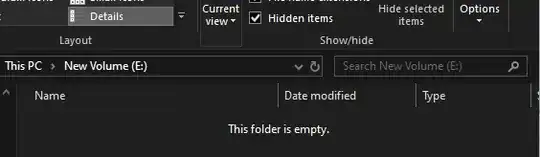
but looking in the properties panel it's also not:
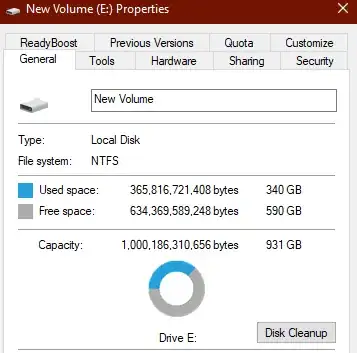
So time to try all tools available to figure this out, starting with the basics:
Debugging steps so far:
1. Disk Cleanup
Nothing to gain.
2. Optimize and Defragment
It was worth a shot but no dice.

3. Error Checking
Hmm, that's a lot of scanning for a drive you're so sure is empty Windows...
Nothing to see here.
4. Format Drive
If all else fails, let's just format the dang thing... Right?
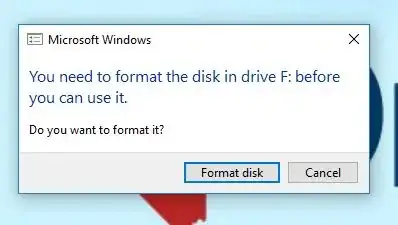
Wrong.
5. Samsung Magician
Alright no luck yet, but it's a Samsung drive, so surely if anything can figure this out it'd be a Samsung drive management tool.

Alrighty then. Apparently Samsung doesn't fully support this product they sold me. EDIT: According to the rep, since M.2 was such a new product, the first version of the 970 EVO didn't support Diagnostic Scan, but the next gen of the same drive does support it.
6. Called Samsung
The tech noticed Disk Manager shows that the drive is listed as a pagefile. Now that I think about it, I do think I recall using some setting to let my other drives be used as page-files for memory because I was running a simulation program that needed massive memory space. But I dont recall what the setting was or where I found it
Is there anything else I can do?
