0

I just got a new Laptop and downloaded Whatsapp, but my phone can't connect to it because for some reason my QR code looks like this: Broken QR
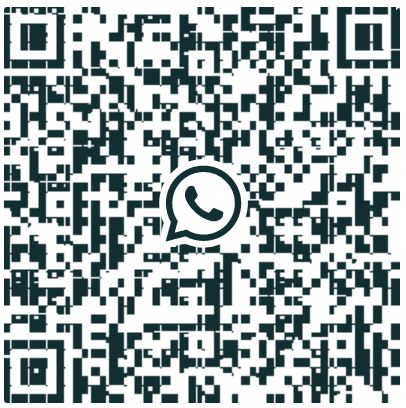
It has like white strips all over it, and generally it's unreadable. It also appeared like that on Whatsapp Web, but I managed to fix it by turning off the "Use hardware acceleration when available" in chrome's settings.

I still prefer much more the desktop version but can't find a way to fix it.

Ahmed Ashour
  • 2,350
  • 2
  • 14
  • 21
Shahar
  • 1
  • 1
  • Try to go to windows settings-> display settings, and set the dpi scaling to 100% – 1NN Feb 24 '21 at 09:17
  • There is a similar post. Take a look at [here](https://superuser.com/questions/1606458/whatsapp-web-and-desktop-app-displaying-broken-qr-codes) . – efe373 Feb 24 '21 at 09:27
  • @1NN I didn't manage to find where I change it to 100% but did try to change it in the app's compatibility settings... it didn't work though. Do you have some more ideas? I Really want to fix this :( – Shahar Feb 24 '21 at 13:40
  • @efe373 That's the first post I looked at but there is no solution there for the whatsapp-desktop problem :/ – Shahar Feb 24 '21 at 13:41

0 Answers0