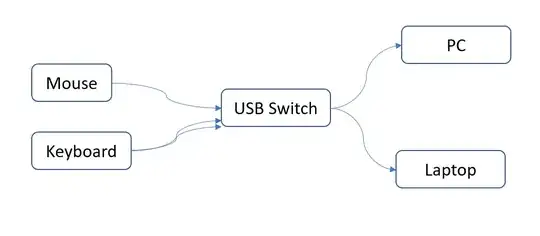
I have a set-up like this where a keyboard and mouse are connected into a USB (KVM) switch, which then connects to both PC and laptop (via one cable) and I frequently flick between the two.
It all worked well until I recently upgraded to a modern gaming keyboard with 2 USB plugs. (Not exactly sure if the 2nd plug is for a passthrough port and/or provides extra power for LED lights.)
The problem is - the keyboard doesn't work, but only when the USB switch is pointing to a laptop. The keyboard intermittently powers on and off so it's practically impossible to use. It works fine when the USB switch is pointing to a PC. Also works fine if plugged directly into laptop's sockets w/o the switch.
I feel like it's almost there, maybe there is some setting to adjust? The OS is Windows 10.


