How in this dialog can I get rid of the Font: English (U.S.) that is shown in the summary at the bottom? I'm tired of changing the spell checking language for every table in a non-English document.
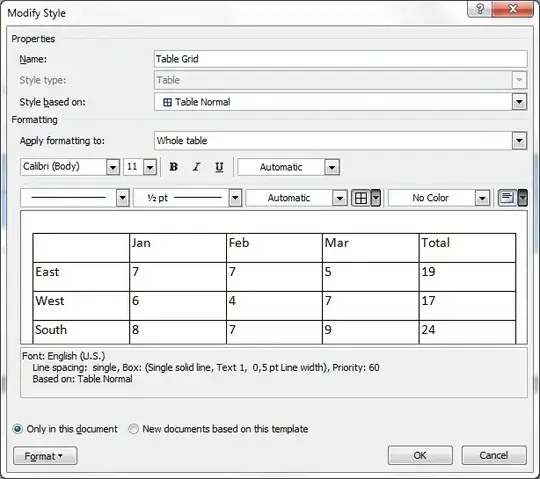
How in this dialog can I get rid of the Font: English (U.S.) that is shown in the summary at the bottom? I'm tired of changing the spell checking language for every table in a non-English document.


Ctrl+A to select all of the textReview tab | Proofing: Set Language | < choose your language> | uncheck the "Detect language automatically" boxDefault | Yes | OK.
I think the Table Grid and/or Table Normal styles ultimately are based on the Normal style. So if you change the language there (right-click the Normal style in the ribbon, and select Language), then that should take effect for tables too.
