3

When I try to publish an InfoPath 2007 form, I get the following message:

To use this feature, Microsoft Office 2007 must be set as the default e-mail program.

However, Outlook is configured as default e-mail program already. Any ideas?
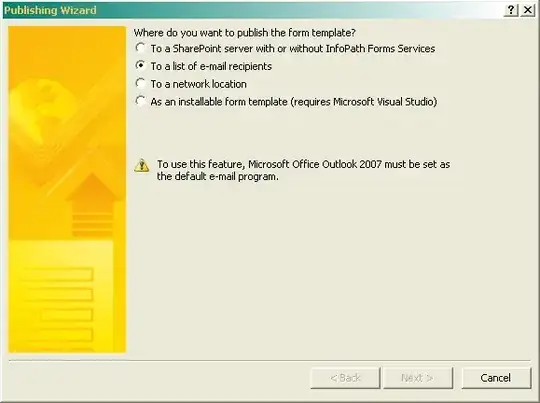
Screenshot of InfoPath Publishing Wizard

I verified that Microsoft Outlook is the default e-mail program in two ways:

  • I went to Control Panel > Internet Settings -> ... -> Default Programs
  • I tried and entered mailto:myown-e-mail-address in Firefox and it opened Outlook.
chiccodoro
  • 283
  • 2
  • 4
  • 9

1 Answers1

2

I've had this same problem recently and have also looked online for solutions, without much success. Here are a few ones worth considering:

  • Run repair on your Office 2007 (instructions can be found here)
  • Verify that Outlook is really your default mail client. To do this, go to Control Panel > Network and Internet > Internet Options > Manage browser add-ons > Programs> Internet Programs.
  • If all else fails, try closing Outlook when sending your forms in InfoPath.
Melissa
  • 21
  • 1
  • Thanks, Melissa. I did verify that Outlook is the default (updated my question). I will try the "close Outlook" trick and the repair-office approach and see whether it helps. (I'll not be able to do that before March though...) – chiccodoro Feb 04 '11 at 17:57