I want users to enter only 1 or 0 in a cell column in Excel 2007. Users should not be able to enter anything else than 1 or 0. How can I do this in Excel?
Asked
Active
Viewed 582 times


2 Answers


1
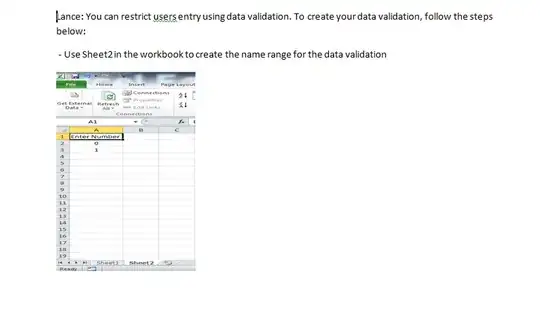
Lance: You can restrict users entry using data validation. To create your data validation, follow the steps below:
- Use Sheet2 in the workbook to create the name range for the data validation
- In column A, row A1, make sure to enter a heading. For example Enter_Number
- In Sheet 1, make sure you type your heading in A1
- Highlight A2:A10, click Data on the menu option, click Data Validation, select List from the dropdown option
- In the Source filed, do = and enter your heading title in Sheet2. For example, =Number
You can use the F3 in the Source field to choose the heading you entered in Sheet 2


Dappy
- 51
- 1
- 6