2

Possible Duplicate:
How do I fix Google Chrome's latest new tab page?

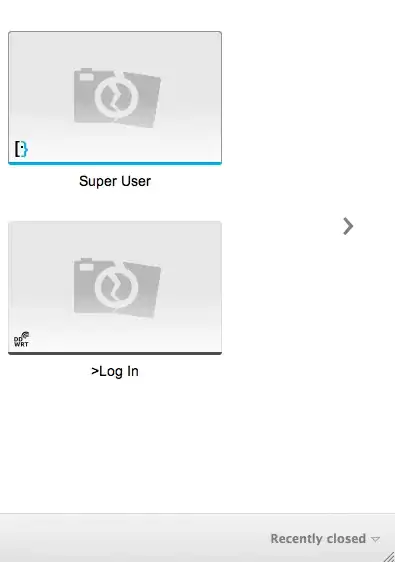
In the new version 15.0.874.106 m just updated is there a way to hide the huge thumbnails in new tab? There was an option in the old version to have just the links without thumbnails. Can this be done?

Zeynel
  • 1,335
  • 5
  • 21
  • 33
  • @techie007 that question was from 2 years, ago my question is about Chrome 15 and it is not the same question. – Zeynel Nov 03 '11 at 21:42

1 Answers1

1

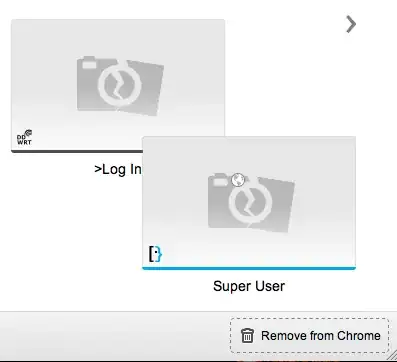
There doesn't seem to be a way to reliably get back the old behaviour. However, if you are only interested in keeping some of the sites private, you can drag them from new tab windows onto the "Remove from Chrome" area in the bottom right. This area only shows up when you start dragging the tab.

New tab page Remove from Chrome area visible when dragging starts

Shoan
  • 310
  • 1
  • 3
  • 10
  • Thanks but this is not the effect I want. This is such a deterioration of User experience. Why would anyone want to look at these huge icons of broken cameras! In the old version it was possible to see just the title and the favicon. Why would they take away that option is hard to understand. – Zeynel Nov 03 '11 at 21:48
  • The broken cameras get replaced by the site's thumbnails the next time you visit the site(I think). But I agree, the earlier version was better. I just disabled the new tab window, but that's not possible anymore. – Shoan Nov 04 '11 at 03:30