3

In our office, a colleague obviously has a problem with their Chrome installation (15.0.847.106m). The print dialog does not show any preview, and it doesn't show the printers as well.

enter image description here

Other browsers like Firefox do show the printers.

In OS X, I know that the "old style" system print dialog can be triggered with ⌥⌘P. Is there an equivalent for Windows? Where else should I look?
enter image description here

slhck
  • 223,558
  • 70
  • 607
  • 592

2 Answers2

5

You can use the system shortcut (in Windows or GNU/Linux) Ctrl-Shift-P to see the system dialog for printing as you desired, or you can disable Chrome's print preview alltogether if you type about:flags in the URL bar, scroll a little bit down, and disable Print Preview and then restart Google Chrome.

about:flags

Miladinoski
  • 409
  • 2
  • 7
  • Disabling print preview altogether fixed it for him, thanks! – slhck Nov 10 '11 at 12:07
  • 4
    It's been five years and Google has removed the setting named "Print Preview". Is there a new way to accomplish this? – Jeff May 30 '16 at 19:48
0

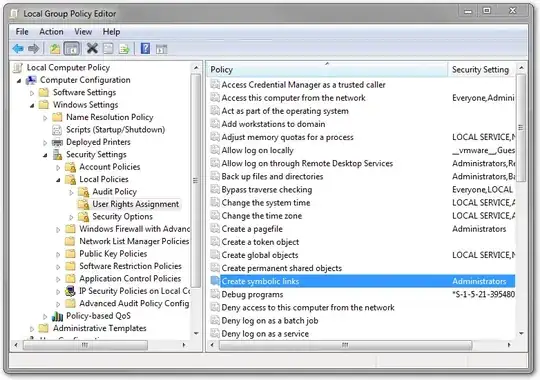
These days you can disable the print preview and always get the system dialog by setting the policy DisablePrintPreview to true.

I've only had a chance to try this with Chromium on Linux, but on Windows it looks like you should be able to create the registry key Software\Policies\Google\Chrome\DisablePrintPreview as a DWORD set to 1. In an enterprise environment you may also be able to set via the Group Policy editor as well. Either way, you can navigate to chrome://policy/ in Chrome to see whether Chrome is picking up the policies.

Alden
  • 131
  • 1
  • 5