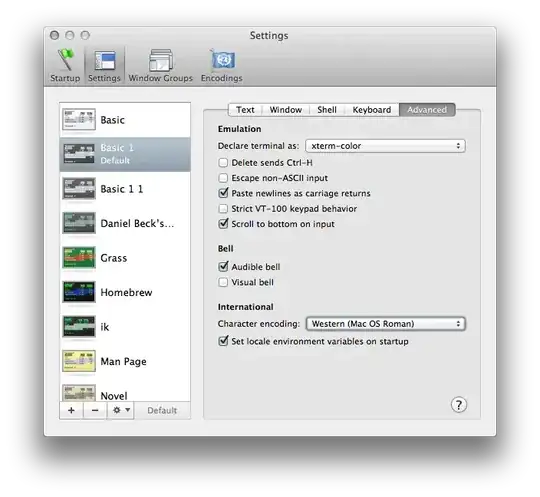
I have a location named "Café en Madrid". If I try to set it with scselect on Terminal, the accented é is turned into gibberish and the command fails:
[kodai.fernando ~/Desktop] scselect "Café en Madrid"
Set "Café en Madrid" not available.

Defined sets include: (* == current set)
   64E7FFFD-4F08-46AB-ADAF-0CF5BEC57169 (Café en Madrid)
 * E790486F-5BDE-44D7-8C1D-43940F1F551C (Sao Francisco)
   D98A096B-5D3E-4FA2-8F72-915EE50FEC5E (Automatic)
How can I fix this? No I don't want to remove the accented char.