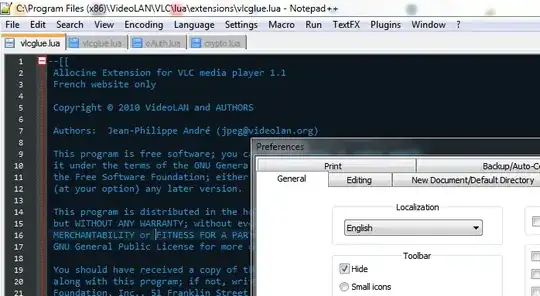
you can customize tool bar by adding plugin named "Customize Toolbar"; To install Customize Toolbar, open Plugin Manager from Plugins—> Plugin Manager—> Show Plugin Manager. Under the Available tab, select Customize Toolbar and click Install. (for more : http://www.addictivetips.com/windows-tips/customize-toolbar-notepad-plugin-to-add-and-delete-custom-buttons/)
– V A SOct 14 '15 at 10:03
There is one more way to hide only selected tools from toolbar. http://www.addictivetips.com/windows-tips/customize-toolbar-notepad-plugin-to-add-and-delete-custom-buttons/
– Ganesh YadavMar 03 '16 at 06:22