17

What is the keyboard shortcut to switch between Microsoft OneNote pages?
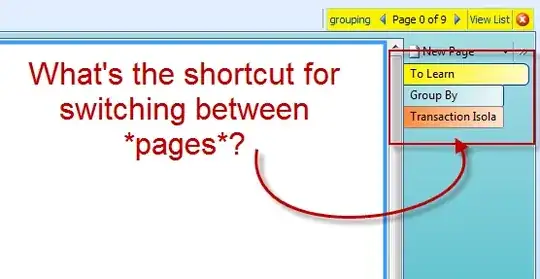
Enter image description here

Peter Mortensen
  • 12,090
  • 23
  • 70
  • 90
dance2die
  • 711
  • 3
  • 17
  • 28

3 Answers3

30

Ctrl+PgUP for one page up
Ctrl+PgDn for one page down
Alt+PgDn for last Page
Alt+PgUP for first page

phuclv
  • 26,555
  • 15
  • 113
  • 235
Eran
  • 3,421
  • 5
  • 34
  • 33
  • 1
    ah, you got there first :) +1 –  Sep 08 '09 at 00:08
  • 2
    This does not work for me in OneNote 2013 - has it been changed? Edit- the 2013 shortcut guide says it should work, but it doesn't for me. I'll just have to look a bit closer. – cutrightjm Aug 05 '15 at 20:43
9

Ctrl + Page Up/Page Down

All One Note Hotkeys

Peter Mortensen
  • 12,090
  • 23
  • 70
  • 90
  • 1
    BTW, full shortcuts list can also be viewed locally in the help menu (help > keyboard shortcuts). – Eran Sep 08 '09 at 00:54
0

Make to select the proper keys:

  • Go to the next page in the section. Ctrl+PgDn (Page Down)
  • Go to the previous page in the section. Ctrl+PgUp (Page Up)

When I was confusing with:

  • Move the insertion point up in the current page, or expand the page up. Ctrl+Alt+↑ (up arrow)
  • Move the insertion point down in the current page, or expand the page down. Ctrl+Alt+↓ (down arrow)

Keyboard shortcuts in OneNote 2013

Julien
  • 11