I have a very specific problem. A client of mine has an old server that has some very old software that cannot be re-installed (or maybe it can? I can read from the drive when mounted to another system as a usb storage device.) because the original software sources are gone.
The client got the bright idea to install some new drivers, including the latest NVIDIA driver. This driver killed the system, now on boot the windows loading screen gets to 2 'blips' then freezes (complete system freeze, nothing is responding - hard boot is the only option).
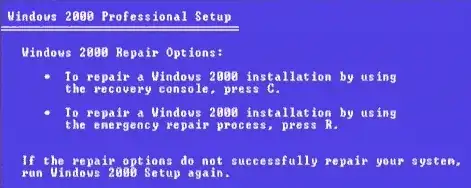
after two days of fiddling I was able to get into the F8 recovery menu (by moving the HDD image to a usb drive and booting from that... idk why this worked. I still had to be quick on the F8 or else the system would freeze again).
trying to boot into safe mode, or the recovery utility spits out this error:
DISK I/O ERROR: 00000400
multi(0)disk(0)rdisk(0)Partition(1)\WINNT\System32\ntoskrnl.exe
multi(0)disk(0)rdisk(0)Partition(1)\WINNT\System32\hall.dll
multi(0)disk(0)rdisk(0)Partition(1)\WINNT\System32\BOOTVID.dll
multi(0)disk(0)rdisk(0)Partition(1)\WINNT\System32\system
DISK I/O ERROR: 00000400
multi(0)disk(0)rdisk(0)Partition(1)\WINNT\System32\system.alt
Now, i'm not picky on how I solve this issue, so long as the system gets restored with all it's original software installed :S ( I know this is asking for a lot ).
How would I start fixing this problem? Every article i've read on similar issues just say "backup, replace, restore". but the hardware is working fine. Please a nudge in the right direction?
UPDATE 05-29-2012
So it seems my I/O error were caused by the USB device... Sorry Bruno!
I copied the drive image to a new HDD (went digging for one from another pc) and was able to get to the recovery menu... same problems however (with the exception that there are no longer I/O errors!) it still hangs after multi(0)disk(0)rdisk(0)Partition(1)\WINNT\System32\system.alt