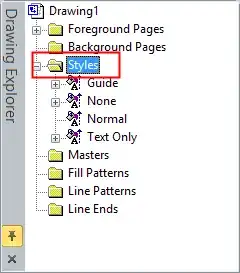
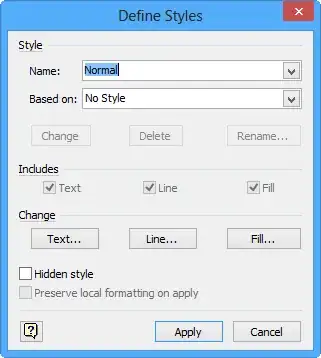
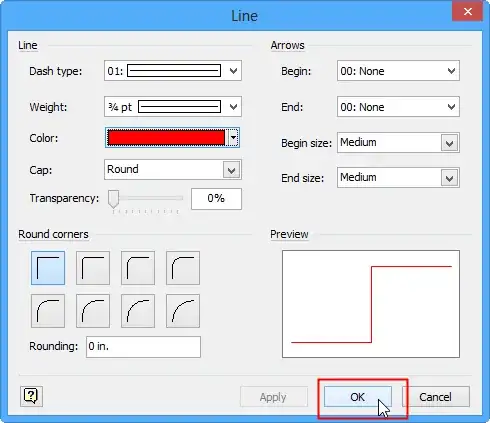
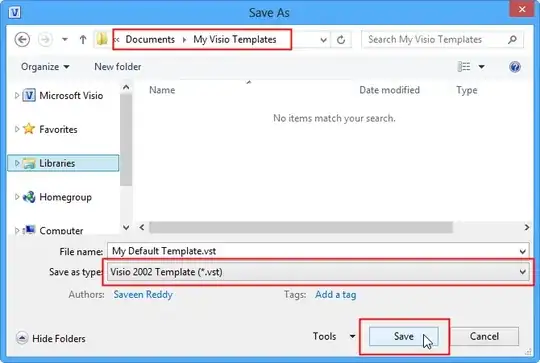
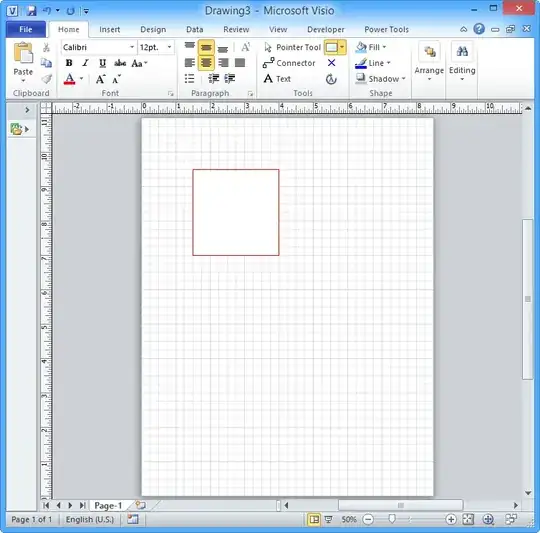
You know how easily Microsoft Word adopts your visual style of writing, like text color, size, etc and uses it for any subsequent text you write, right? Well, I can't get similar behavior with Visio, though. Whatever I tried, which is creating and reusing Visio templates, creating color and effects themes, Visio keeps using the same black 1pt line and black 8pt text for any new drawing element, not to mention other style properties that keep getting reset.
I find it very inconvenient that I have to use the Format Painter manually on every new element to preserve the visual appearance across my Visio drawing. Is there a way to avoid this and make Visio use the same visual style of my preference for every new shape and text?