Possible Duplicate:
How to reset shortcuts (.lnk file) in Windows 7?
I accidentally did something strange and now all my Shortcuts (.lnk) are now set to open with 7Zip.
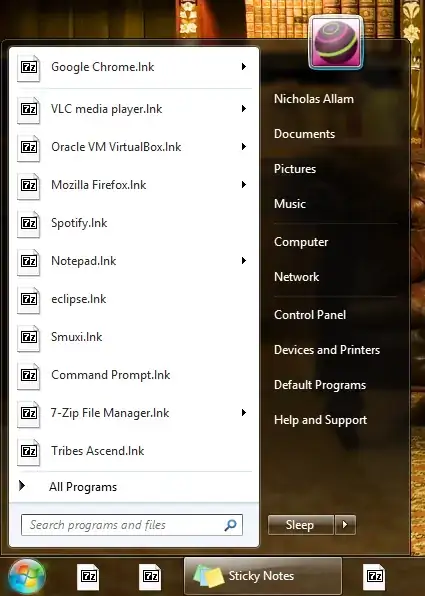
Running it yields the following:
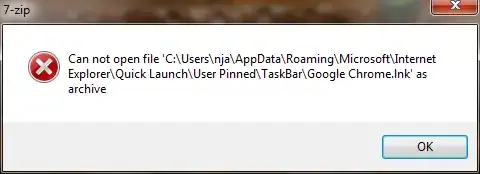
In order to open a program now, I have to right-click on it, goto Properties, "Open File Location" and then run the .exe file.
How can I make .lnk files open normally again?
Edit: I have tried going into Default Programs ("Control Panel\Programs\Default Programs\Set Associations"). I can find .lnk, but I don't know what program to associate it with (I don't even think it's a program).

