Regarding skype, this is happening because it's treating Skype as "Communications Activity". CHange what happens when it detects communications activity via the Sounds screen.
From the link in your question:
Communications apps will always attenuate other system sounds when a
call comes in on a communications stream type. If background music was
playing, to hear the music again while in a call, the user can bring
the music app to the foreground (snap the app or just bring it forward
full screen) and then rune [sic] 1 applies.
You can get straight to the Sounds screen by right-clicking the volume icon in the task bar on the desktop and choosing "Sounds", or as below, via the control panel.
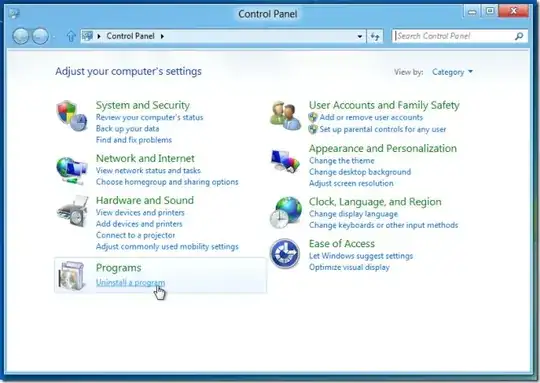
You can change what happens by opening the control panel (type "control panel" at the start menu) and search for "Sound" (in the top right search bar).
Once you have the Sounds screen open choose the communications tab. Select the do nothing option.


