I deleted the Internet Explorer app.
Now I cant find it in the store and when I pin it, it runs like desktop application and not a metro application.
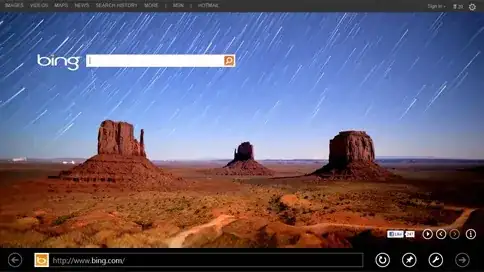
Metro app screenshot :
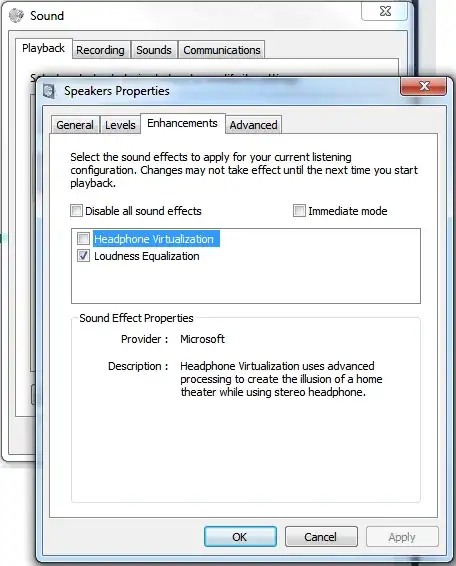
Pinned IE app opens as follows :
How can I get the Metro IE back?
I deleted the Internet Explorer app.
Now I cant find it in the store and when I pin it, it runs like desktop application and not a metro application.
Metro app screenshot :
Pinned IE app opens as follows :
How can I get the Metro IE back?

You need to set Internet Explorer as a "default program".
In the start screen type: "Default Programs", then choose "set your default programs", then select "Internet Explorer" and click "Set this program as default".
This will transform your IE into a Metro style app. If you have a pinned shortcut of IE in the start screen, it will be changed into a Metro IE tile.

To get it back you may have to uninstall and reinstall Internet Explorer (which should deal with both, desktop and Metro):
Press Win+X to open the power user menu, then F to open Programs and Features (or navigate to it through the Windows control panel or searching through settings).
Press Turn Windows features on or off in the left side and deselect Internet Explorer 10:

Click OK and reboot.
Afterwards repeat the operation but enabling it this time. Next to the reboot you should have both versions of Internet Explorer installed.

