The outputs of the help and/or vbeinfo command of the GRUB 2 shell are massive. How can I scroll up the output? I've tried PageUp and Shift+PageUp, but nothing happened.
The outputs of the help and/or vbeinfo command of the GRUB 2 shell are massive. How can I scroll up the output? I've tried PageUp and Shift+PageUp, but nothing happened.


After googling, I still haven’t found a way to scroll up the output of the GRUB 2 shell. However, there's a way to pause output (like the behaviour of the more command) - the pager environment variable.
13.1.24 pager
If set to ‘1’, pause output after each screenful and wait for keyboard input. The default is not to pause output.
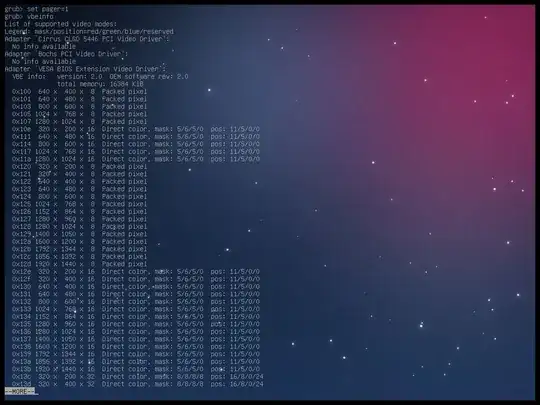
So, issue a set pager=1 command first in the GRUB 2 shell, and then the output will behave like more.
References