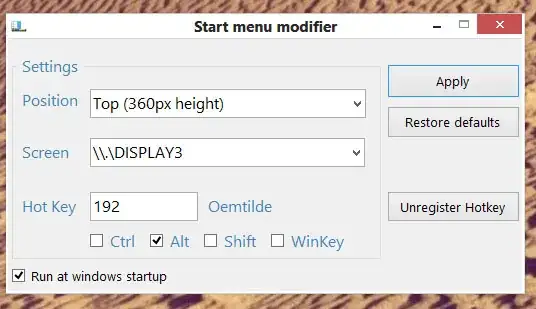
I know the start screen can be moved using Win-PageUp or Win-PageDown, but is there any way to save this value permanently?
I've read similar questions:
- How can I display the Windows 8 Start Screen on a secondary monitor?
- Metro UI - multiple snapped view on one monitor, desktop on the other one
- Show Windows 8 Start Menu on the primary monitor
The anwser is always "open or move it to the screen you want". On my pc the position is only saved for this session, after I logout and sing in again the start-screen is always on my main monitor.
I tried reinstalling but the problem persists. Am I doing something wrong or has noone else this problem?