I'm looking for a way to be notified if a text file changes (Windows 7), and be offered a file diff upon such a change. For example, the text editor Notepad++ does part of this, notifying me of an external change (in a file currently open) and giving me the option of reloading it from disk or keep what's currently open:
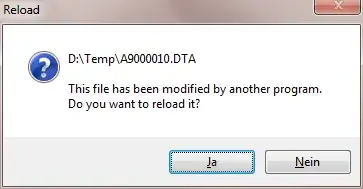
But I want to see the changes made in the new version, if any, so this isn't enough. Is there a relatively easy way to get this, perhaps a plugin for Notepad++ or another text editor with this feature? (Actually, I remember that the text editor SlickEdit had/has this feature, but perhaps there's another solution)


