0

My eclipse workspace
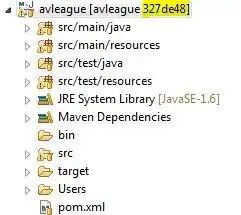
enter image description here

Github repo

enter image description here

My workspace has few changes that I want to push to github. I've already commit'd them. Wen I try Push from eclipse, I get the below
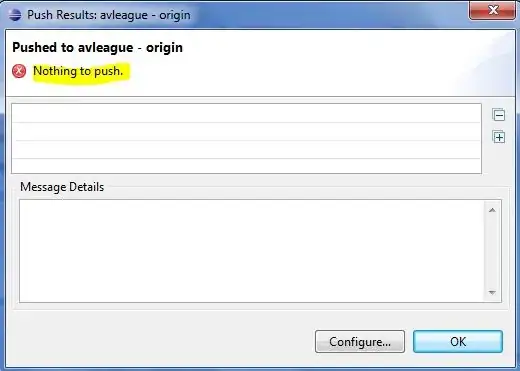
enter image description here

I am not sure what I am doing wrong

When I right click on the project Team>Switch To>Other..., I see the below (hoping this would help)
enter image description here


EDIT 1

Below is the History on my project. What I want is to merge the 2 commits above b697278 to b697278 (as that is what is there on github).

enter image description here

Aravind R. Yarram
  • 175
  • 1
  • 2
  • 6
  • 1
    It looks like maybe you are not on a branch? So maybe egit doesn't know how to push to origin. A local branch usually has remote tracking set up which specifies how to push to origin. If your HEAD is currently detached, there is no place to find upstream tracking information. –  Jun 14 '13 at 04:36
  • @tcovo pls see my edit 1 – Aravind R. Yarram Jun 14 '13 at 04:43
  • 3
    I'm guessing that your goal is to push your two new commits to `master` on origin. Normally, the situation you want to be in for doing that is to have your local `master` checked out, and have your new commits on your local master, making your local master be 2 commits ahead of origin/master. Once you're in that situation, you would be able to push. So how do you get there? You need to check out your master branch, then reset it to 327de48. –  Jun 14 '13 at 05:01

1 Answers1

1

Looks like you've created your new commits while not being on the master branch - your HEAD and MASTER are pointing to a different commits. All you have to do is to merge you new commits into MASTER. Here are the commands:

git checkout master
git merge 327de48

Once your new commits are in the master your push should work, because git will see the difference between local and remote master.