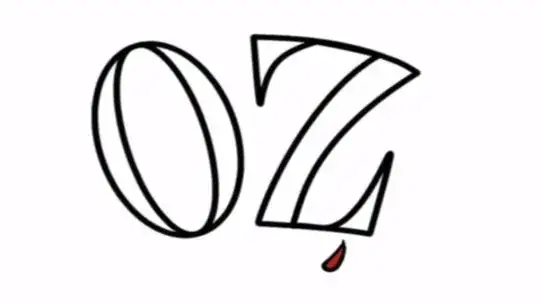
When opening video files, sometimes the aspect ratio doesn't fit my TV and I see black bars either side:
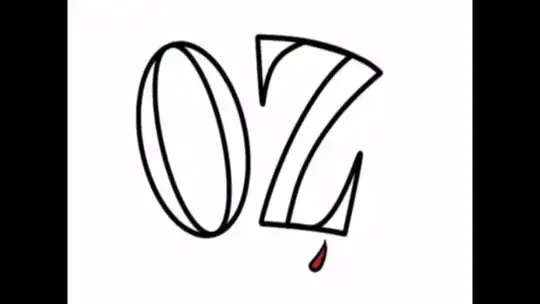
How can I set the default aspect ratio to 16:9, so that I don't have to right-click and change each video's aspect ratio manually every time?
When opening video files, sometimes the aspect ratio doesn't fit my TV and I see black bars either side:
How can I set the default aspect ratio to 16:9, so that I don't have to right-click and change each video's aspect ratio manually every time?

Open VLC, and go to Tools > Preferences.
Choose Show settings > All.
From the left pane, scroll down to the bottom and click Video.
From the right pane, scroll down to Source aspect ratio; fill in 16:9.
Hit Save:
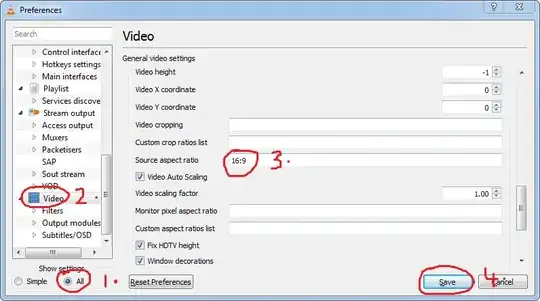
The next time you open VLC, your videos will automatically have your chosen aspect ratio: