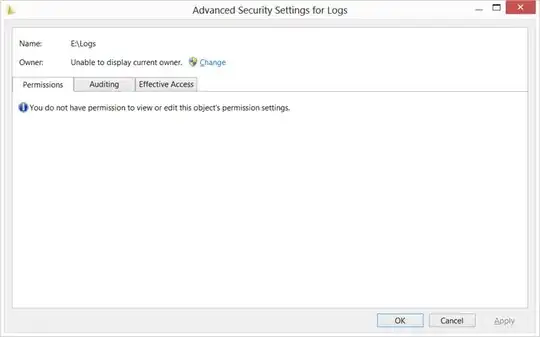
I was able to get the following to work on Windows 7. Naturally, YMMV.
From an elevated (administrator) Command Prompt, do
icacls E:\Logs /grant nik:f
where f means full control. This seems to add an access control entry (ACE) giving you full control without changing anything else. Do that, then look at the properties again; and then, if you want, delete your ACE. If you want to be particularly careful about restoring the ACL to what it was before you tampered with it, try this:
icacls E:\Logs /save Z-acl
icacls E:\Logs /grant nik:f
(Go look at the directory.)
icacls E:\ /restore Z-acl
Note the weird syntax of the last command. Z-acl is just an arbitrary filename.
Note: in my experience, it must be just a simple filename; I tried
icacls \mys\ter\y_f\ile /save \Users\scott\Documents\acl
and it didn’t work; apparently because I specified a path for the output file.
By the way, I had a problem getting dir /Q to work correctly. It often incorrectly said that the owner was SYSTEM. Windows Explorer (file properties) is more informative.