Does anybody know how to remove start-up iframe/screen that is shown whenever I start KMPlayer.
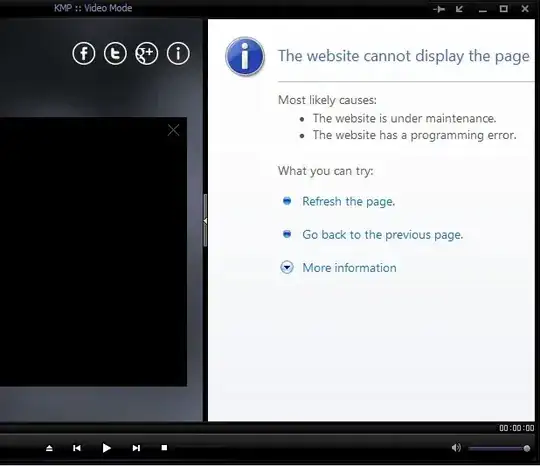
I have tried with Skins ->Logo ->Skin Default Logo, but with no luck.
Does anybody know how to remove start-up iframe/screen that is shown whenever I start KMPlayer.
I have tried with Skins ->Logo ->Skin Default Logo, but with no luck.


Use your firewall to block KMPlayer internet acces.

just edit your hosts file, located in c:/windows/system32/drivers/etc/host and add the line 127.0.0.1 player.kmpmedia.net no sidebar will appear Edit in Notepad, run Notepad as an administrator in order to save back the file
