2

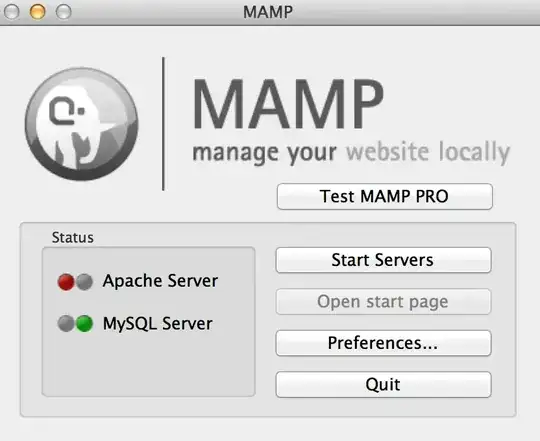
I have installed MAMP on OSX and while MySQL is running, Apache doesn't start. Here are some screen shots I have to describe the situation. Also when I start the server (or before that) httpd is not found in activity monitor. enter image description here
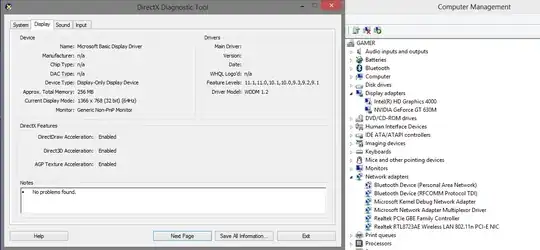
Here's the screen shot showing web sharing is off: enter image description here
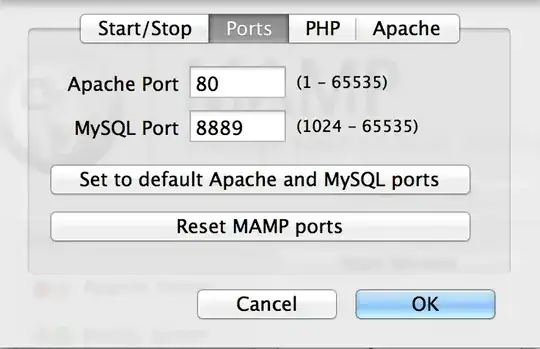
And here's the screen shot showing that what are the selected ports (I have tried 8888 for Apache but it's the same exact result): enter image description here
Oliver Salzburg
  • 86,445
  • 63
  • 260
  • 306
Mona Jalal
  • 635
  • 3
  • 11
  • 19

2 Answers2

2

Go to your MAMP folder in Applications. Go to bin -> apache2 -> bin:

Then rename the file from "envvars" to "_envvars".

ref: https://stackoverflow.com/questions/25201280/apache-not-starting-on-mamp-pro

JAck
  • 21
  • 2
1

It may be tied to your user name. If you haven't already, try logging in on your MAC as user admin ( if the account still exists ). It seems to be something to do with the spaces in the user name. Works for me. Although I would rather log in as me I am not sure of the implications of editing my username to exclude spaces.

Andy

AndyC
  • 11
  • 1