0

my Windows 8.1 was updated today and now I have an irritating pop-up panel in metro apps whenever I put my mouse pointer to the top part of the screen: this is how things are fine with me
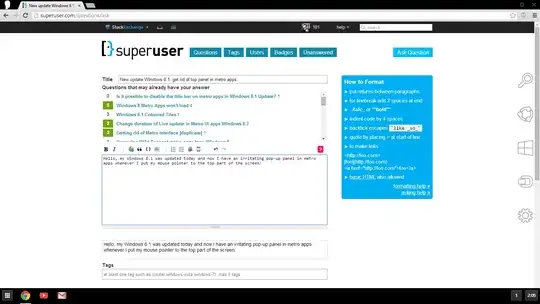
enter image description here

and here you go with a weird panel

enter image description here

For example, if I'd like to switch between tabs/close some of them, this panel necessary pops up. I'd be happy if somebody tells me how to kill it.

SBF
  • 247
  • 1
  • 3
  • 9
  • 2
    You can't disable it unless you make Windows think your using a touch device. – Ramhound Apr 23 '14 at 12:38
  • 1
    Possible duplicate of [Is it possible to disable the title bar on metro apps in Windows 8.1 Update?](http://superuser.com/questions/743349/) – and31415 Apr 23 '14 at 12:40
  • 1
    @and31415: seems it is different from the IE title bar – SBF Apr 23 '14 at 12:42
  • @Ilya It doesn't seem really different to me: http://i.stack.imgur.com/cY1le.jpg | [Image source](http://www.citeworld.com/article/2114259/consumerization/review-windows-81-update-offers-olive-branch-mouse-users.html) – and31415 Apr 23 '14 at 12:53
  • @llya - Unless you have a touch device you can't. If Windows detects a mouse it will enable and there is no way to disable it. I suggest if you really hate it to stop using a Modern UI browser then you won't see it. – Ramhound Apr 23 '14 at 13:00
  • @Ramhound: I see; is there any way to roll back just this update? – SBF Apr 23 '14 at 13:06
  • This only happens when you maximise a window right? Wouldn't it work if you don't go into maximise state, and manually drag all corners to the edges? I recently installed W8.1 on my bedroom pc and I am using opera 12.16 there, but didn't find this problem. Could be opera of course. – LPChip Apr 23 '14 at 13:08
  • @LPChip: thanks for suggestion, however it still stays there if I point with mouse to switch tabs – SBF Apr 23 '14 at 13:24

0 Answers0