1

How can I get Explorer Search to find all and only files containing the character # ?

Here:
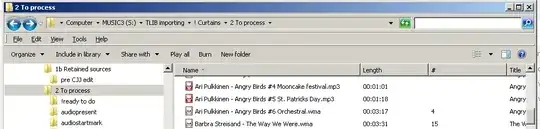
enter image description here

simply entering # gives a false result:
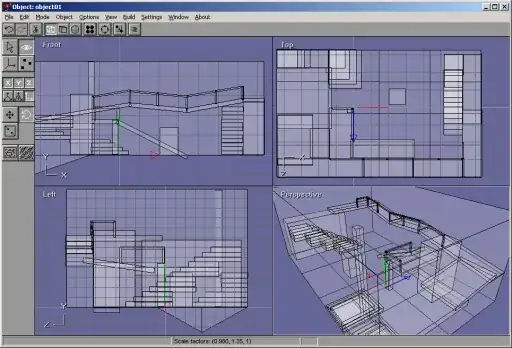
enter image description here

Likewise, entering "#" .

EDIT: Folder Options, 'Find partial matches' is checkmarked and 'Use natural language search' is not.

ChrisJJ
  • 371
  • 1
  • 5
  • 19

2 Answers2

3

This works for me in Windows 7.

"*#*"

Windows Search on #

If you don't like having to enter all those extra characters, a free program called Everything Search will search for # easily:

Everything # Search Results

Sun
  • 6,192
  • 10
  • 34
  • 54
  • Works here too: http://i.imgur.com/uKmweor.png Thanks. – ChrisJJ Sep 30 '14 at 16:07
  • You are right @ChrisJJ. I was overzealous in having this question marked as a duplicate. Indeed, this is a separate question. My apologies. – Sun Sep 30 '14 at 16:16
0

You may want to go into the setting for search in "Folder Options", and make sure that "Find Partial Matches" is checked.

  • 1
    This does not provide an answer to the question. To critique or request clarification from an author, leave a comment below their post - you can always comment on your own posts, and once you have sufficient [reputation](http://superuser.com/help/whats-reputation) you will be able to [comment on any post](http://superuser.com/help/privileges/comment). – Jan Doggen Sep 27 '14 at 15:49
  • I tried putting a comment below the author's post but I was unable to. Sorry. – ShowStopper Matrix Sep 27 '14 at 23:11
  • Thanks for the suggestion. "Find partial matches" is already checkmarked. – ChrisJJ Sep 28 '14 at 16:55