Problem: From the CMD or Batchfile, calling powershell and starting a process from a different drive or the -FilePath is failing.
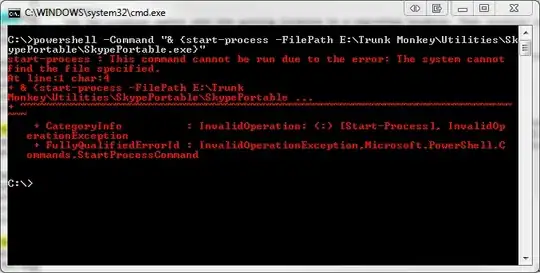
You need to quote the path to your executable:
powershell -Command "& { Start-Process -FilePath 'E:\Trunk Monkey\Utilities\SkypePortable\SkypePortable.exe' }"

Solution: Use the following syntax, with Single Quotes Only (double quotes do not work)-
powershell start-process -FilePath 'E:\Trunk Monkey\Utilities\SkypePortable\SkypePortable.exe'
Details: I was having no luck with other parameters, to include...
powershell -Command "& {}
as listed here: http://technet.microsoft.com/en-us/library/hh847736.aspx
Hopes this helps.
