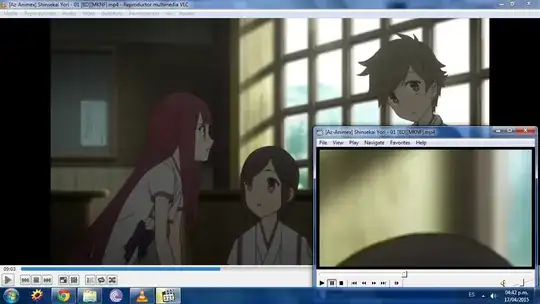
You might have accidentally hit a keyboard combination for a zoom effect. Note that with NumLock on, the Number Keypad affects postion and zoom. Right-click on the screen while playing a video, and note that there are multiple pop-up menu items affecting zoom and aspect ratio:
- Zoom: proportional size
- Video Frame: both zoom level and aspect ratio, which appears to be the issue you experience
- Pan & Scan: Also affects aspect ratio
You may need to experiment with the last two settings, or choose Reset where available, to resolve the issue.
Though I really like MPC-HC, the plethora of menu items can be confusing!
BTW, MPC-HC inherits from MPC, but Media Player Classic (not Home Cinema) is a different application.