I'm trying to print PDF from command line to network printer in silenta mode.
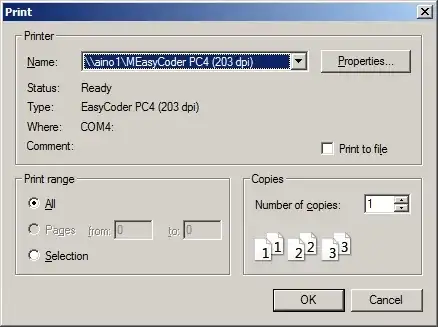
Unfortunately, Ghost Script opens Windows printer dialog.
I use Windows 2008 R2 Server.
My command is:
gswin64c.exe -dBATCH -dNOPAUSE -dNumCopies=1 -sDEVICE=mswinpr2 -sOutputFile="%printer%MEasyCoder PC4 (203 dpi) on aino1" "pdf.pdf"
Printer name is: MEasyCoder PC4 (203 dpi) on aino1 and it is network printer attached to AINO1 computer.
Printer dialog looks like:
In printer panel it looks like: 
What is the right command line to avoid this dialog and print silently?


