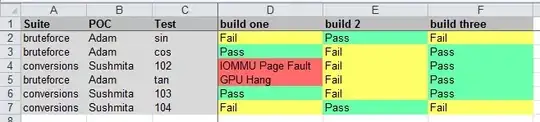
With data like:
Install the following User Defined Function (UDF):
Public Function qwerty(r As Range) As Variant
   Dim L As Long, CH As String, CH2 As String
   arr = Split(ActiveCell.Text, " ")
   For Each a In arr
      L = Application.WorksheetFunction.Hex2Dec(a)
      CH = ChrW(L)
      CH2 = CH2 & CH
   Next a
   qwerty = CH2
End Function
Then pick some cell, say cell B1, format it to Arial Unicode MS and enter:
=qwerty(A1)
User Defined Functions (UDFs) are very easy to install and use:
- ALT-F11 brings up the VBE window
- ALT-I
ALT-M opens a fresh module
- paste the stuff in and close the VBE window
If you save the workbook, the UDF will be saved with it.
If you are using a version of Excel later then 2003, you must save
the file as .xlsm rather than .xlsx
To remove the UDF:
- bring up the VBE window as above
- clear the code out
- close the VBE window
To use the UDF from Excel:
=qwerty(A1)
To learn more about macros in general, see:
http://www.mvps.org/dmcritchie/excel/getstarted.htm
and
http://msdn.microsoft.com/en-us/library/ee814735(v=office.14).aspx
and for specifics on UDFs, see:
http://www.cpearson.com/excel/WritingFunctionsInVBA.aspx
Macros must be enabled for this to work!


