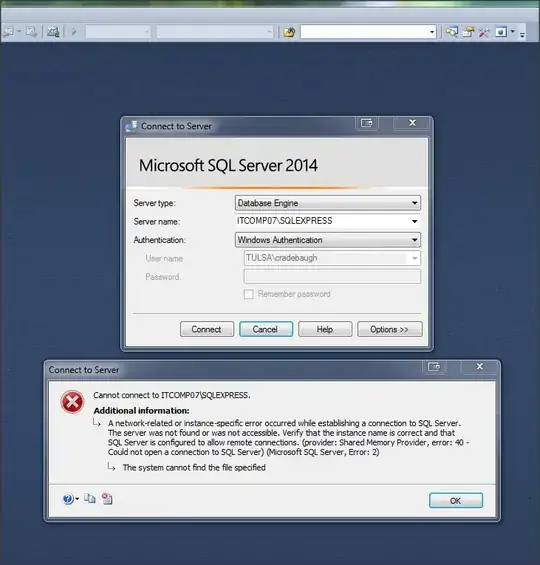
After I installed Microsoft SQL Server Express (2014) on my local computer (for testing while building a web interface which uses databases), I could connect just fine, but for some random reason, now (after I've finally gotten the .mdb files converted into the .accdb file format I need for use with the SQL Server Migration Assistant tool), I just can't connect/log in.
I am unable to connect whether it's via the Migration Assistant or simply via the SQL Server regular interface.
I am logging in with Windows authentication and the Server name appears completely correct.
I've tried going into "services" on my machine and starting the 'sqlbrowser' service, as that was mentioned as a possible cause for connection failure, but that didn't help.
Also, after reading sites at the following links, I'm still left wondering what this issue could be:
Other links I've checked seem unrelated to my situation.
The screen shot below is an image of what I'm seeing when I try to log on: