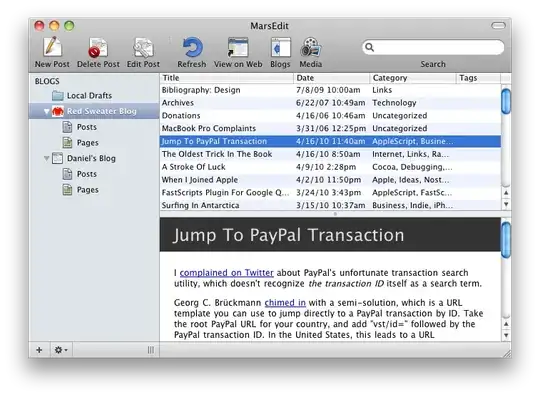
I would like to ask you some efficient ways to write blog post with the screen shots from a Mac laptop.
In Windows, I would do something like: create a new page in OneNote, start to write the entry, use the clip function to take screenshot every time I need to, after finish editing, I would simply ask OneNote to connect to my blog account at: blogger.com or wordpress.com. And it will automatically upload all text along with all the screenshots as image for me, I don't need to go to a third party site to upload all the images.
How do you reach the same goal in Snow Leopard. (I did not purchase any additional package from Apple, I heard of iWork or something like that, but I want to first try with a free tool.)
Some one could give me advice ;)
Thank you in advance