1

I have installed eMule on Windows 7. When I start eMule, I will receive the following message:

Failed to create Incoming Files directory 'C:\Program Files\eMule\Incoming' - Access is denied

I get a similar message for "C:\Program Files\eMule\Temp" and "Failed to initialize cryptokeys - secure ident disabled". It looks like Windows 7 does not allow eMule to do such operations. How can I give eMule the right to do what it needs?

Gaff
  • 18,569
  • 15
  • 57
  • 68
Tim
  • 16,963
  • 69
  • 181
  • 260

2 Answers2

2

Probably by:

  • (recommended) setting the Incoming directory elsewhere (outside of Program Files)

alt text

Change the paths in the settings

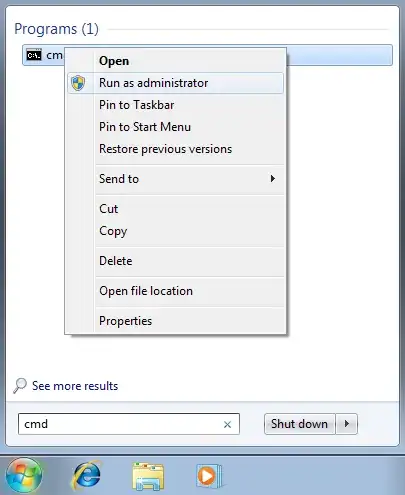
  • or (not recommended) launching Emule with Administrator rights
    (because of protected mode requiring High Integrity Access Level (IL) for a process to write in c:\Program Files)

alt text

Gaff
  • 18,569
  • 15
  • 57
  • 68
VonC
  • 14,433
  • 5
  • 47
  • 61
  • The second option is much preferable. – harrymc Jan 15 '10 at 11:23
  • @harrymc: agreed, following your comment, I have switched the order of said solutions. So your comment should read: "the first option is much preferable" ;) ) – VonC Jan 15 '10 at 16:40
0

To make incoming files in eMule work with Windows 7 and Vista, you need to follow these steps:

  1. Go to: Control Panel > User Accounts and Family Safety > User Accounts
  2. Click Change User Account Control settings
  3. Drag the scrollbar down to Never notify

After that you can use eMule to download in Windows 7 and Vista.

Gaff
  • 18,569
  • 15
  • 57
  • 68